本帖最後由 wild 於 2016-12-4 11:51 編輯
Microsoft now lets you build and print 3D objects on Windows 10 Mobile and Xbox
個3D Builder app, W10就有左好耐啦! 今次就連W10 Mobile和Xbox One都有埋!
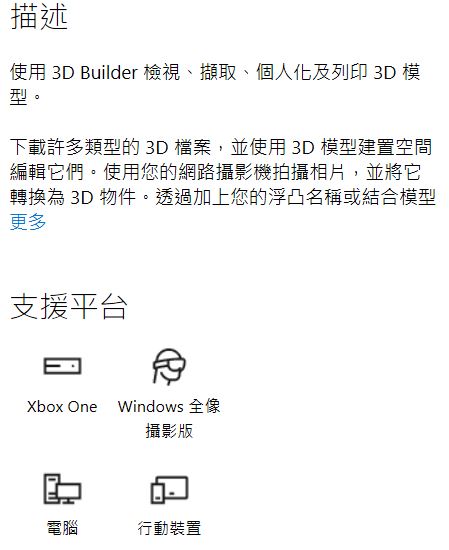
這個app可以用來設計, 製作和打印3D Objects!
而且個app仲支援開啟這些格式既3MF, STL, OBJ, PLY和WRL (VRML)3D檔.
-3D Builder provides everything you need to make any 3D content printable.
-Open 3MF, STL, OBJ, PLY, and WRL (VRML) files.
-Clean up models by smoothing and simplifying.
-Automatically repair models so you can print them.
-Use the 3D Scan app to scan yourself in full color.
-Take pictures with your webcam and make them 3D, or use BMP, JPG, PNG, and TGA files.
-Emboss any model with text or images.
-Drag-and-drop to build with simple shapes.
-Merge, intersect, or subtract objects from each other, or slice them into pieces.
-Add a base to uneven objects.
-Print directly to supported 3D printers using multiple materials or order your model through our preferred online printing service: i.materialise.com.
-Supported 3D printers: http://microsoft.com/3d and online 3D printing service i.materialise.com
-Print images of your 3D objects on paper.
-Save as 3MF, STL, PLY, or OBJ files.
Microsoft 3D Builder 下載


|
 簡體版
簡體版 訂閱頻道
訂閱頻道 訂閱電子報
訂閱電子報





 發表於 2016-12-3 18:24
|
發表於 2016-12-3 18:24
| 

